

Getting started
Your account, the City, your profile, settings and staying safe.
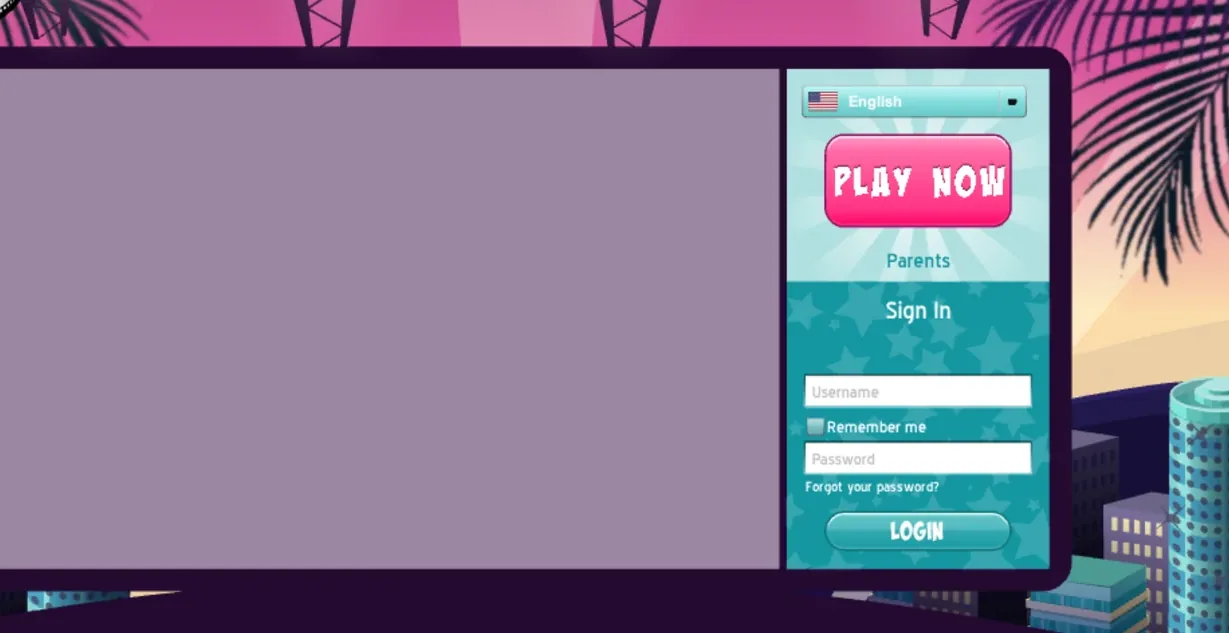 01Creating an AccountTo play MSPRewritten you need an account.8 min read
 02
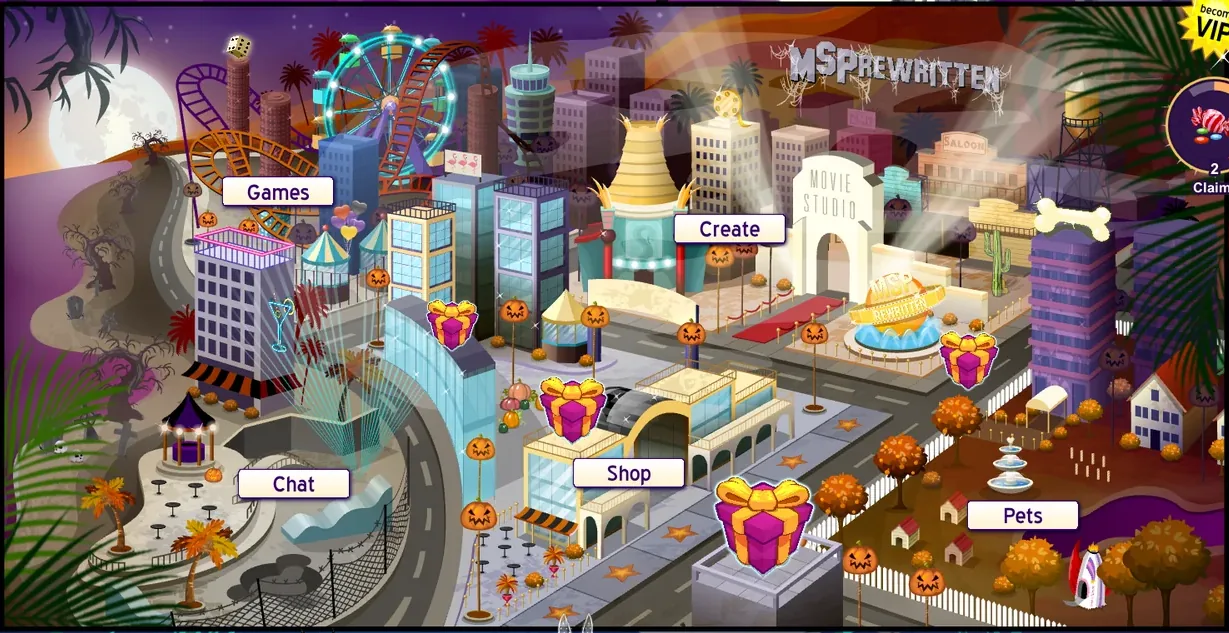
 The CityThe city is the main screen of MSPRewritten: a map of five districts with the top bar above it and the friend bar below it.9 min read
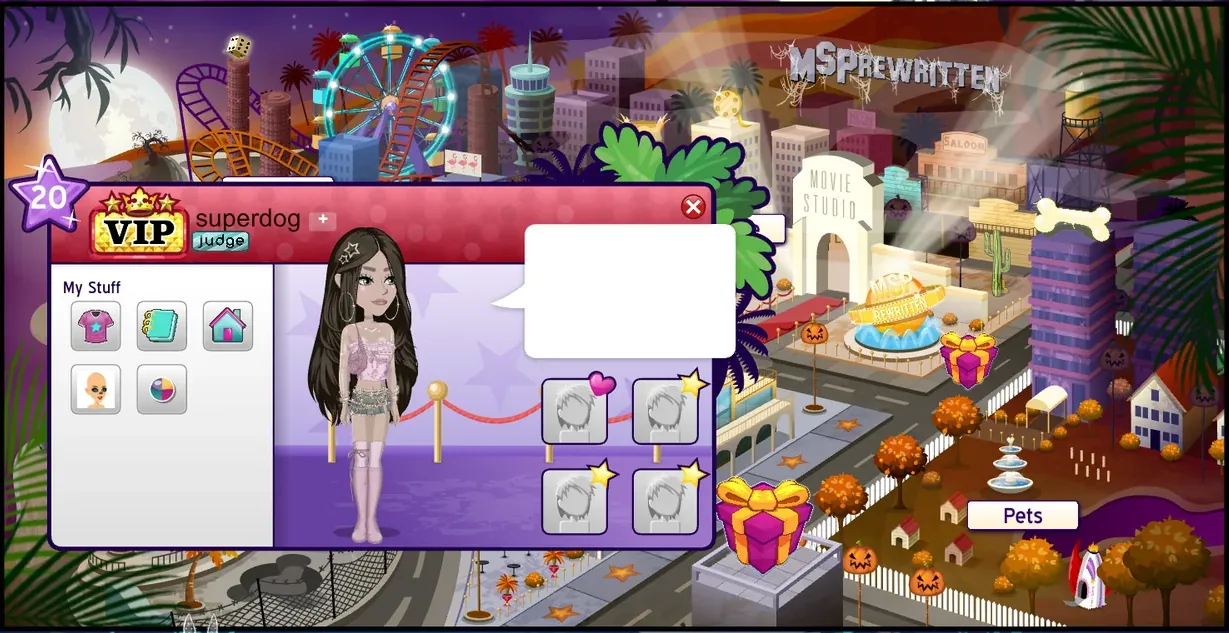 03Your ProfileEvery MovieStar on MSPRewritten has two profile screens: the profile card, a small popup that opens when you click a MovieStar, and the profile book, a big scrapbook with your page, your wall, your gifts and your awards.10 min read
 04
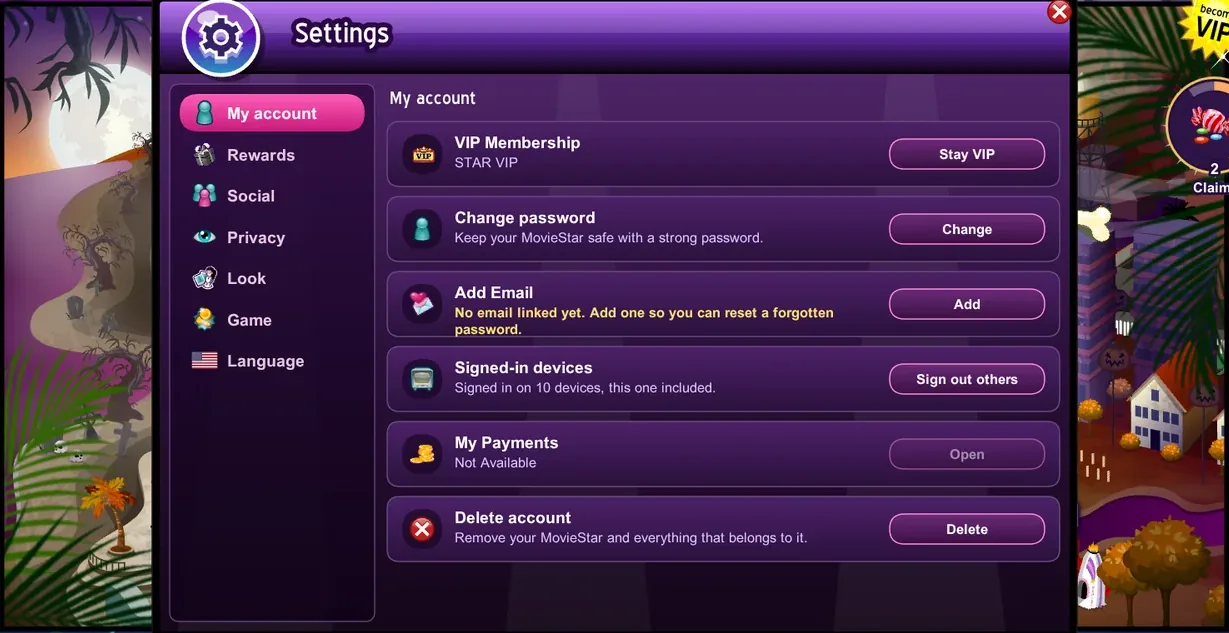
 SettingsSettings is where you look after your account and choose how the game behaves for you: your password and email, your name and gender, privacy, notifications, sound, language and more.8 min read
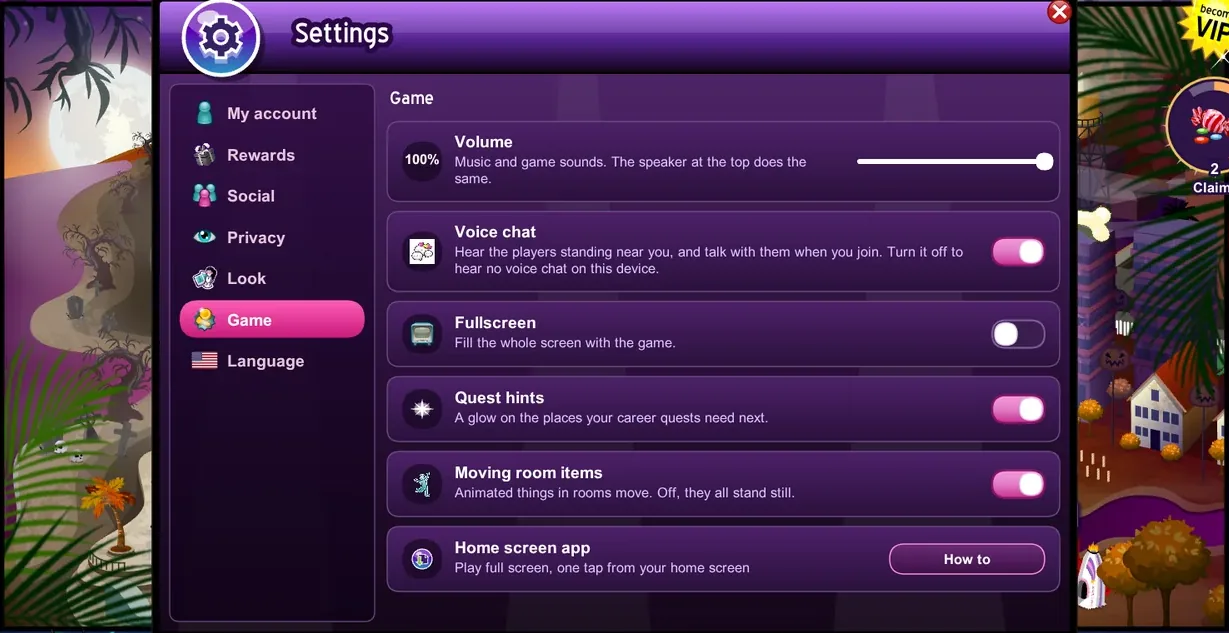 05Phones and TabletsMSPRewritten runs in the web browser on phones and tablets as well as on computers, with the same account and the same game.10 min read
 06
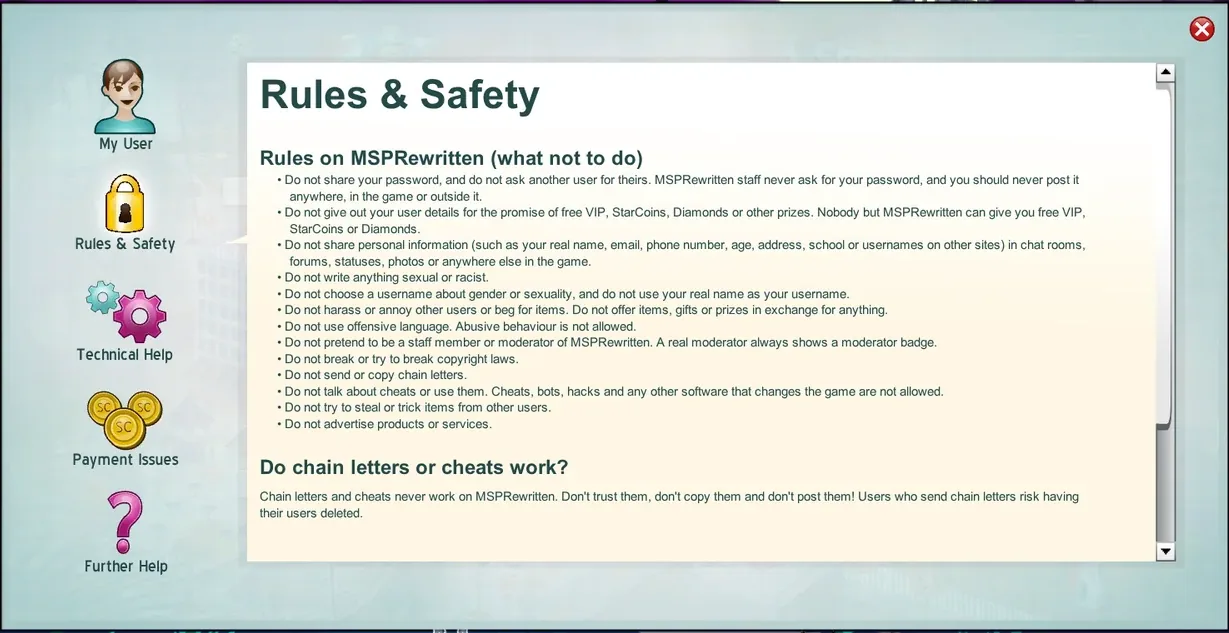
 Safety and ReportingMSPRewritten is meant to be safe and fun for everyone.5 min read
 07
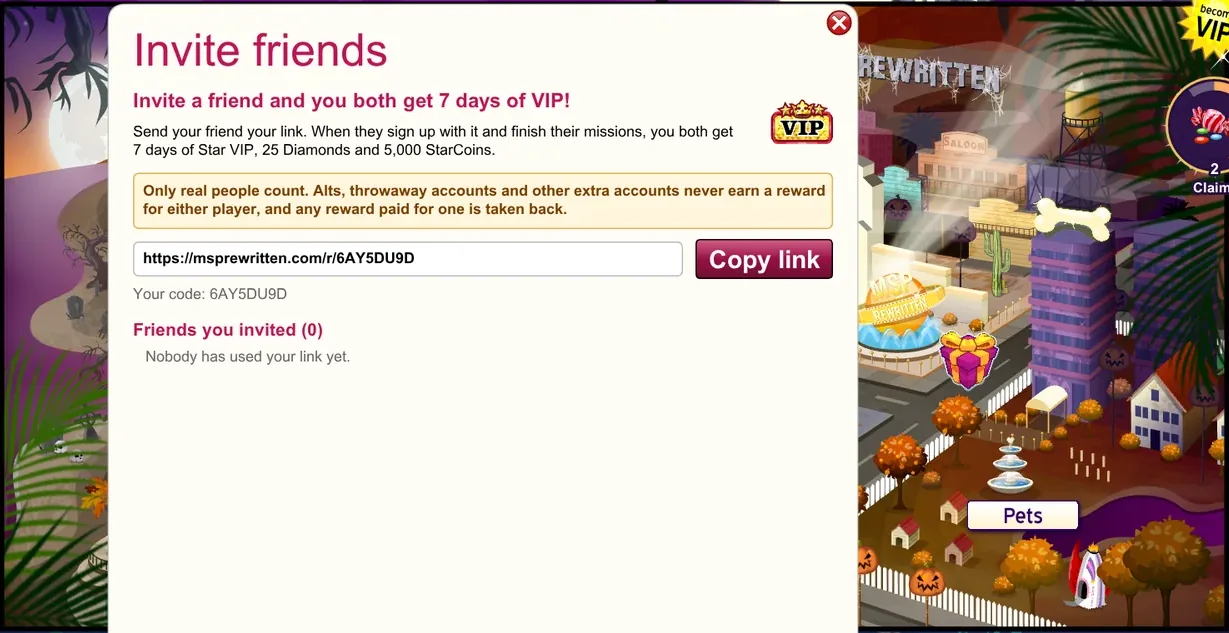
 Inviting FriendsInvite your real friends to MSPRewritten and you both get rewarded.4 min read
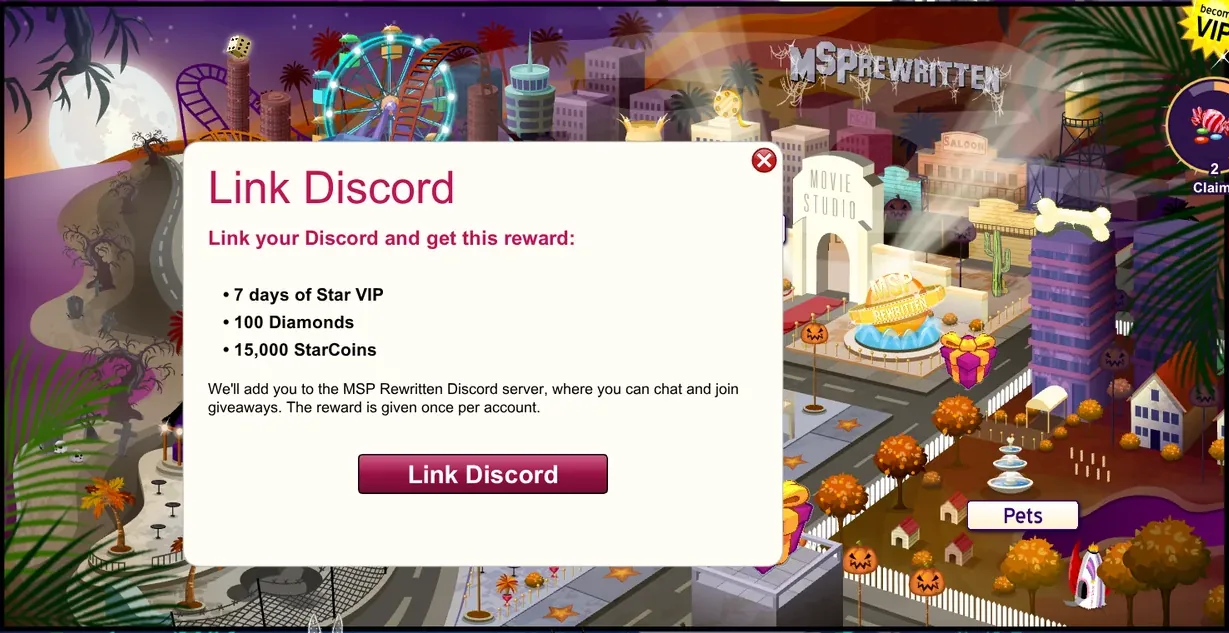 08Linking DiscordYou can link your Discord account to your MovieStar.3 min read
 09
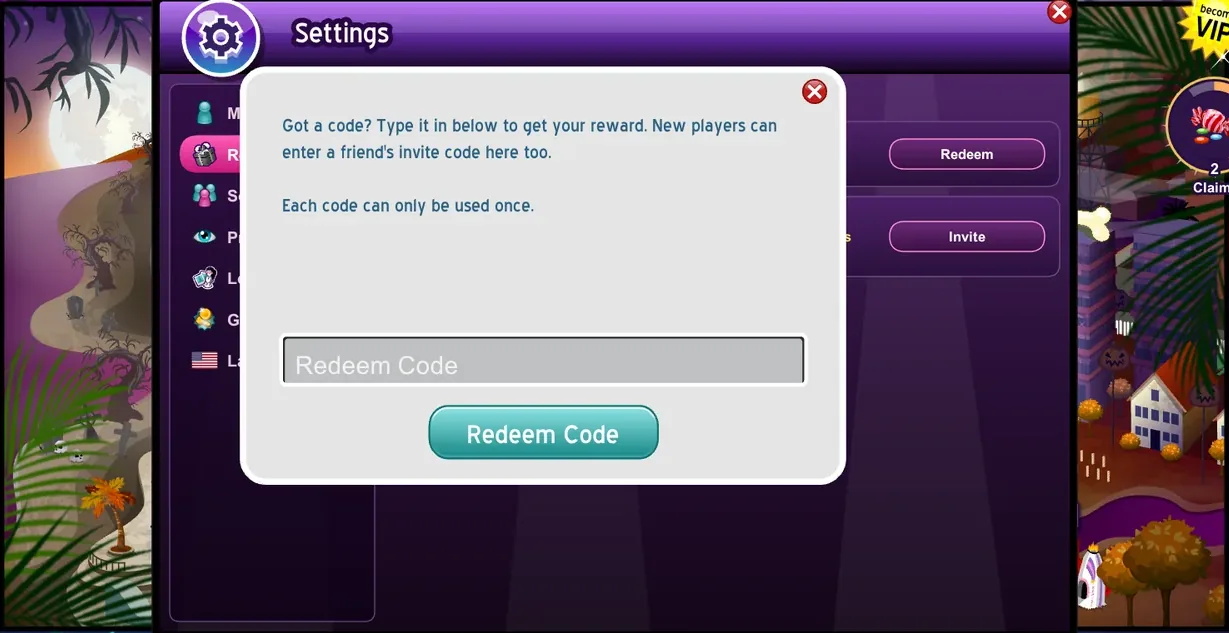
 Redeem CodesA code is a short word or string of letters and numbers that MSPRewritten hands out.4 min read
 10
 Help and SupportThe Help window in the game answers the most common questions about your account, the rules, technical problems and getting VIP, StarCoins and Diamonds.4 min read